
Carousels are one of the most saved and shared formats on Instagram, and they’re perfect for teaching, storytelling and selling. Since Instagram raised the limit to 20 photos or videos per carousel, there’s even more room to be creative. But most carousels still get swiped past because the first slide is weak.
In this guide you’ll get 12 Instagram carousel ideas that drive saves and shares, a proven slide-by-slide structure, design tips and examples you can adapt for your business today.
Why Instagram carousels work so well
- More time on your post: every swipe keeps people engaged longer.
- High save value: tips, checklists and guides are things people want to come back to.
- Easy to share: useful carousels get sent to friends and colleagues.
- Room to explain: you can teach a full idea step by step.
Saves and shares are strong signals for the Instagram algorithm in 2026, so good carousels can reach far beyond your followers.
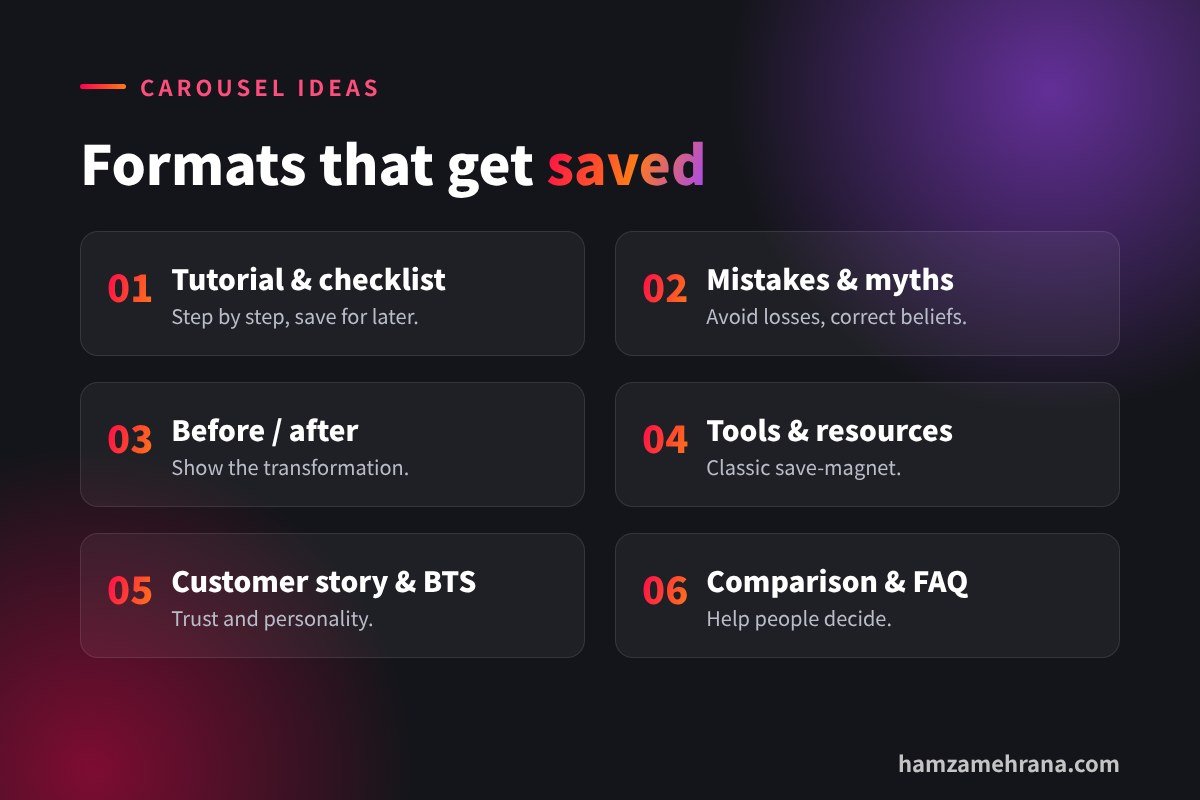
12 Instagram carousel ideas that get saves
1. Step-by-step tutorial
Teach one process in 5–8 slides. Example: “How to set up a Google Business Profile in 6 steps”.
2. Mistakes to avoid
“5 mistakes killing your Instagram reach” works because people hate losing out.
3. Checklist
A checklist people can save and use later, such as “Before you post: 7-point Reel checklist”.
4. Before and after
Show a transformation: a logo redesign, a room makeover or a profile glow-up.
5. Myth vs fact
Correct common beliefs in your industry, one myth per slide.
6. Tool or resource list
“7 free tools I use every week” is a classic save-magnet. Need ideas? See our AI tools for social media managers.
7. Customer story
Tell a real customer’s journey: the problem, what you did and the result (with permission).
8. Behind the scenes
Show how your product is made or how your team works. It builds trust and personality.
9. Comparison
Compare two options side by side, for example “Reels vs carousels: which should you post?”
10. Quick framework
Give a simple model with a memorable name, like “The 3-2-1 content plan”.
11. FAQ carousel
Answer the questions customers ask most often, one per slide.
12. Photo dump with a story
A casual carousel of moments from an event, trip or project, tied together with a short story in the caption.
The slide-by-slide carousel structure
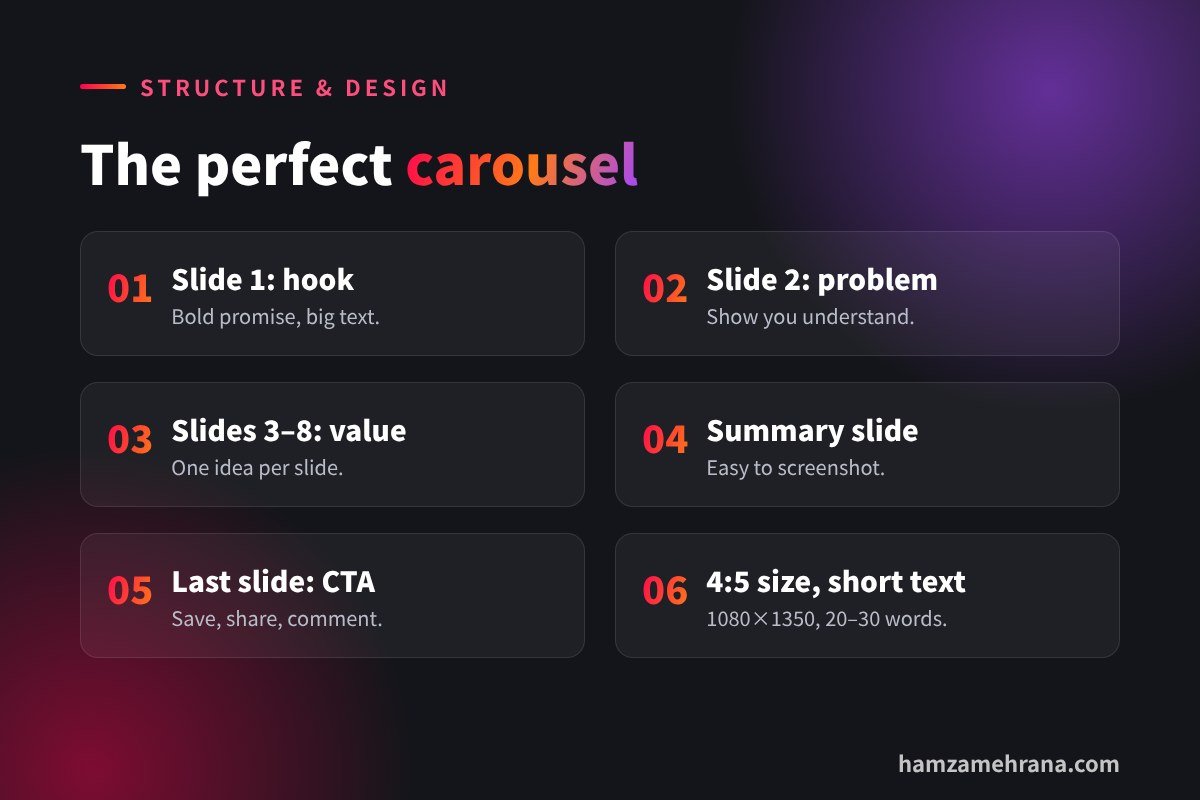
- Slide 1, the hook: a bold promise or question in large text. This decides everything.
- Slide 2, the problem: show you understand the reader’s struggle.
- Slides 3–8, the value: one idea per slide, short sentences and simple visuals.
- Second-to-last slide, the summary: a quick recap people can screenshot.
- Last slide, the call to action: save, share, comment or visit your link.
Your hook slide follows the same rules as a video hook. Our viral hooks guide has 7 formulas you can use.
Carousel design tips
- Use the 4:5 portrait size (1080 × 1350 px) to take up more of the feed.
- Keep text short: about 20–30 words per slide.
- Use large, readable fonts: check them on your phone.
- Stay consistent: same colours, fonts and layout on every slide.
- Add swipe cues: arrows, numbers or a design that flows across slides.
- Brand it lightly: a small handle or logo, not a big watermark.
Write a caption that supports the carousel
Use the caption to add context, include keywords for Instagram search and ask a simple question. For example: “Which tip will you try first? Save this for your next post.”
Key takeaways
- Carousels drive saves and shares, which help reach.
- Tutorials, checklists, mistakes and before/after posts are proven formats.
- Slide 1 must be a strong hook.
- One idea per slide, short text and consistent design.
- End with a clear call to action.
Frequently asked questions
How many slides should an Instagram carousel have?
You can use up to 20, but 6–10 slides is enough for most educational carousels. Use only as many as you need to deliver the value.
What size should Instagram carousel images be?
1080 × 1350 px (4:5 portrait) works well because it takes up more space in the feed.
Are carousels better than Reels?
They do different jobs. Reels are great for reaching new people; carousels are great for saves, education and trust. Use both.
Can I mix photos and videos in a carousel?
Yes. Mixing formats can make a carousel more engaging, especially for behind-the-scenes and product content.
Conclusion
Great Instagram carousel ideas are simple: teach something useful, start with a bold hook, keep each slide focused and end with a clear next step. Post a few of these formats every week and watch your saves and shares grow.
Want carousels designed for your brand? See the carousel examples in my portfolio, or hire me as your social media manager and content designer.
Written by Hamza Mehrana — Social Media Manager & Content Creator. Need help growing your brand? Let’s talk.