
Your thumbnail and title decide whether people click, but guessing which version works best wastes views. YouTube’s built-in Test & Compare tool lets you test thumbnails and titles on real viewers and picks a winner for you. Used well, YouTube thumbnail testing is one of the easiest ways to get more views from the videos you already make.
In this guide you’ll learn how YouTube Test & Compare works, how to set up a test step by step, what to test, and how to design thumbnails and titles worth testing.
What is YouTube thumbnail testing with Test & Compare?
Test & Compare is a feature in YouTube Studio that shows different thumbnails, titles or combinations of both to different viewers. YouTube’s official help page explains how to use it, and Search Engine Journal reports these key details:
- Up to three options: you can test up to three titles, three thumbnails or combinations of both on one video.
- Watch time decides: results are based on watch time, not click-through rate (CTR). YouTube wants the option that leads to the most viewing, not just the most clicks.
- Up to two weeks: tests run for up to two weeks.
- Automatic winner: a clear winner becomes the default for all viewers, but you can always choose a different option yourself.
The tool is in YouTube Studio on desktop, and your channel needs access to advanced features.

Why watch time matters more than CTR
A shocking thumbnail can get lots of clicks, but if viewers leave after 5 seconds because the video doesn’t match, YouTube shows it to fewer people. By judging tests on watch time, YouTube rewards thumbnails and titles that set the right expectations. That’s good news for honest creators: clickbait that disappoints won’t win.
YouTube thumbnail testing: how to set up a test (step by step)
- Open YouTube Studio on a computer and go to the video’s details page (or upload a new video).
- Find the thumbnail or title section and choose the Test & Compare option.
- Add 2–3 options: upload different thumbnails, write different titles, or combine them.
- Save and publish. YouTube starts showing the options to different viewers.
- Wait for the result. Check the test results in your video’s analytics once the test finishes.
- Keep or override the winner, and write down what you learned.
What to test: 8 thumbnail and title ideas
Thumbnail tests
- Face vs no face: an expressive face against an object-only design.
- Text vs no text: 2–4 bold words against a clean image.
- Close-up vs wide shot: zooming in on the key detail often helps on mobile.
- Colour contrast: bright background against dark background.
Title tests
- Benefit vs curiosity: “Grow Faster on YouTube in 2026” vs “The YouTube Setting Nobody Uses”.
- Number vs no number: “7 Thumbnail Tips” vs “Thumbnail Tips That Doubled My Views”.
- Keyword first vs story first: lead with the search term or with the result.
- Short vs long: a punchy 40-character title against a more descriptive one.
For keyword ideas, see our guide to YouTube SEO titles, descriptions and tags.
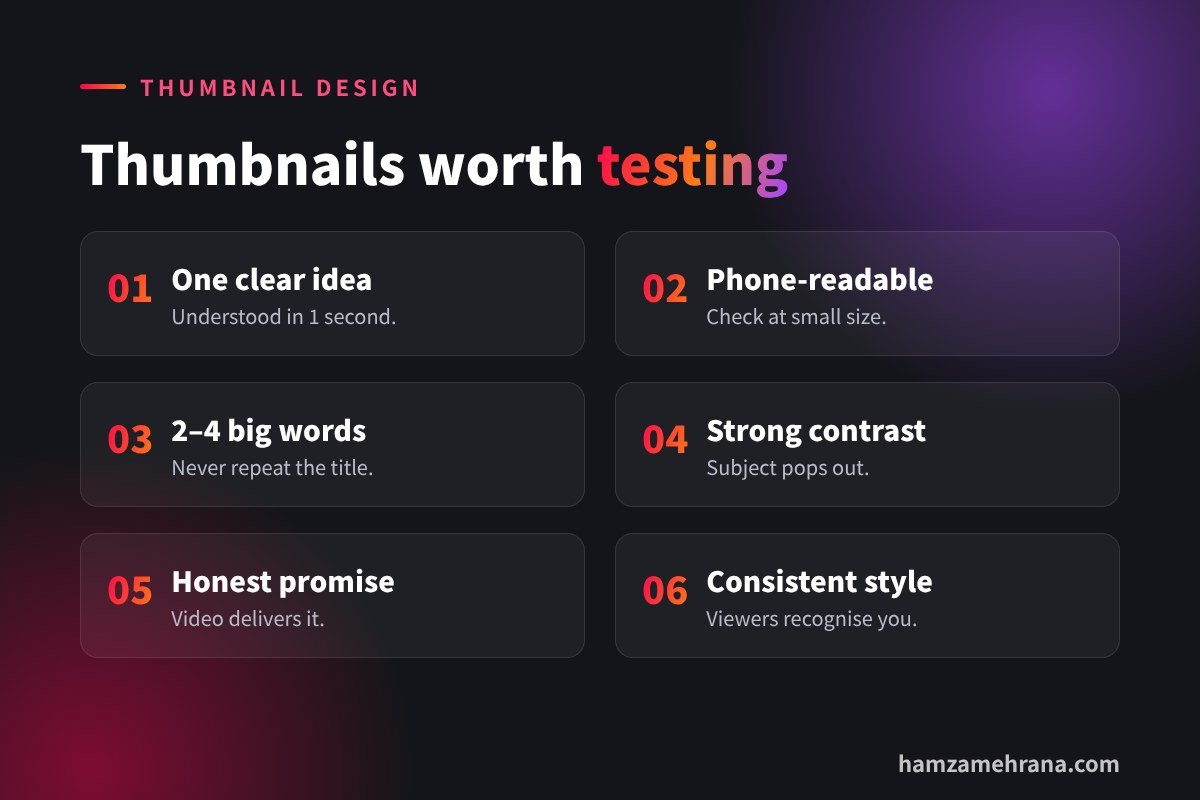
How to design thumbnails worth testing on YouTube
- One clear idea: viewers should understand the thumbnail in under a second.
- Readable on a phone: check it at small size; most viewing happens on mobile.
- Big, simple text: 2–4 words maximum, never repeating the title.
- Strong contrast: make the subject stand out from the background.
- Honest promise: the video must deliver what the thumbnail shows.
- Consistent style: similar fonts and colours help returning viewers recognise you.
Common testing mistakes
- Options that are too similar: a slightly different shade won’t teach you much. Test clearly different ideas.
- Testing too many things at once: if you change everything, you won’t know why one option won.
- Ignoring the content: no thumbnail can save a video with a weak start. Hook viewers in the first 15 seconds.
- Not keeping notes: track results so patterns become your thumbnail rules.
Key takeaways
- YouTube Test & Compare tests up to three thumbnails, titles or combinations.
- Winners are chosen by watch time, not CTR.
- Tests run for up to two weeks and you can override the result.
- Test clearly different ideas and change one thing at a time.
- Honest, readable thumbnails win long-term.
Frequently asked questions
Why don’t I see Test & Compare in YouTube Studio?
The feature is on desktop YouTube Studio and needs access to advanced features. Check your channel’s feature eligibility in Studio settings.
Does YouTube choose the thumbnail with the highest CTR?
No. YouTube chooses based on watch time, because it wants the option that leads to the most viewing.
How long does a thumbnail test take?
Tests run for up to two weeks. Videos with more views usually reach a clear result faster.
Can I test thumbnails on old videos?
Yes. Testing older videos that still get search traffic can be a great way to win back views.
Conclusion
YouTube Test & Compare takes the guessing out of thumbnails and titles. Test clearly different ideas, focus on honest promises that keep people watching, and turn your results into a repeatable style.
Need help with YouTube SEO, titles and thumbnails? See my YouTube growth services, my portfolio or contact me on Fiverr. Running a faceless channel? Read our faceless YouTube channel guide.
Written by Hamza Mehrana — Social Media Manager & Content Creator. Need help growing your brand? Let’s talk.
3 replies on “YouTube Thumbnail Testing: How Test & Compare Works”
How to Write Viral Hooks: 7 Formulas for Reels & TikTok - Hamza Mehrana 9 November 2026 at 23:10
[…] YouTube Thumbnail Testing: How Test & Compare Works […]
YouTube SEO: Titles, Descriptions & Tags That Rank 10 November 2026 at 07:48
[…] Your thumbnail and title work as a team. Use one clear idea, big readable text (2–4 words), strong contrast and an honest promise. You can test options with YouTube’s built-in tool; read our guide to YouTube thumbnail testing. […]
YouTube Shorts Monetization 2026: Requirements & Pay 10 November 2026 at 07:50
[…] YouTube Thumbnail Testing: How Test & Compare Works […]
Comments are closed.